Dashboard
The Dashboard is the first screen you see after signing in to BluEarn PMS. It provides a centralized view of your property's performance, operational activities, and business insights in real time.
Reviewing the Dashboard at the start of each day helps you stay updated on reservations, room availability, guest activity, rooms status, and overall hotel performance, enabling smoother operations and better decision-making.
What's on the Dashboard?
| Feature | Description |
|---|---|
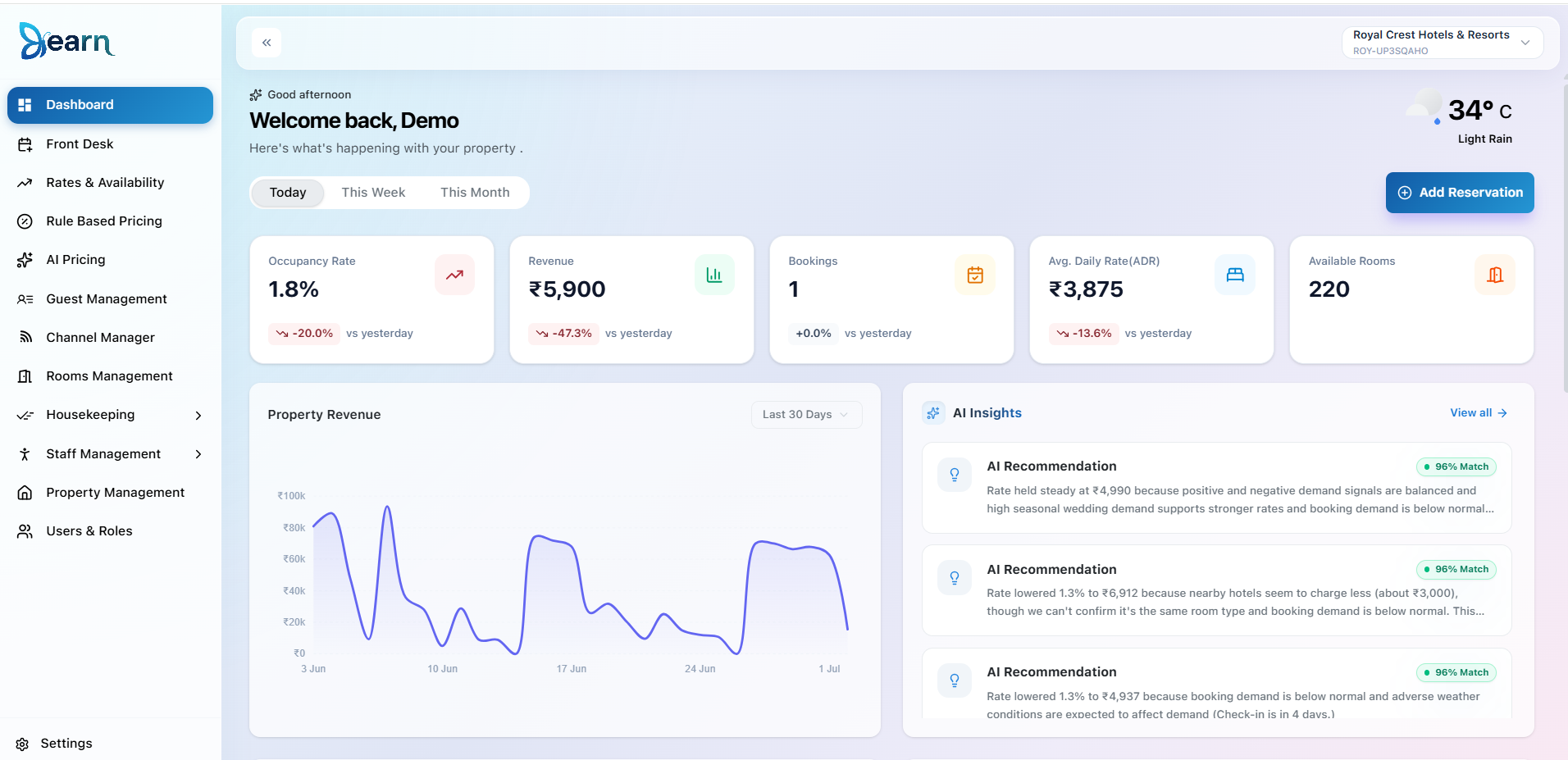
| 📈 Key Performance Metrics | View important KPIs including Occupancy Rate, Revenue, Total Bookings, Average Daily Rate (ADR), and Available Rooms with comparisons against previous periods. |
| ➕ Quick Reservation | Instantly create a new reservation using the Add Reservation button without navigating to the reservation module. |
| 📊 Property Revenue Trend | Visualizes revenue performance over time, helping you identify trends and monitor business growth. |
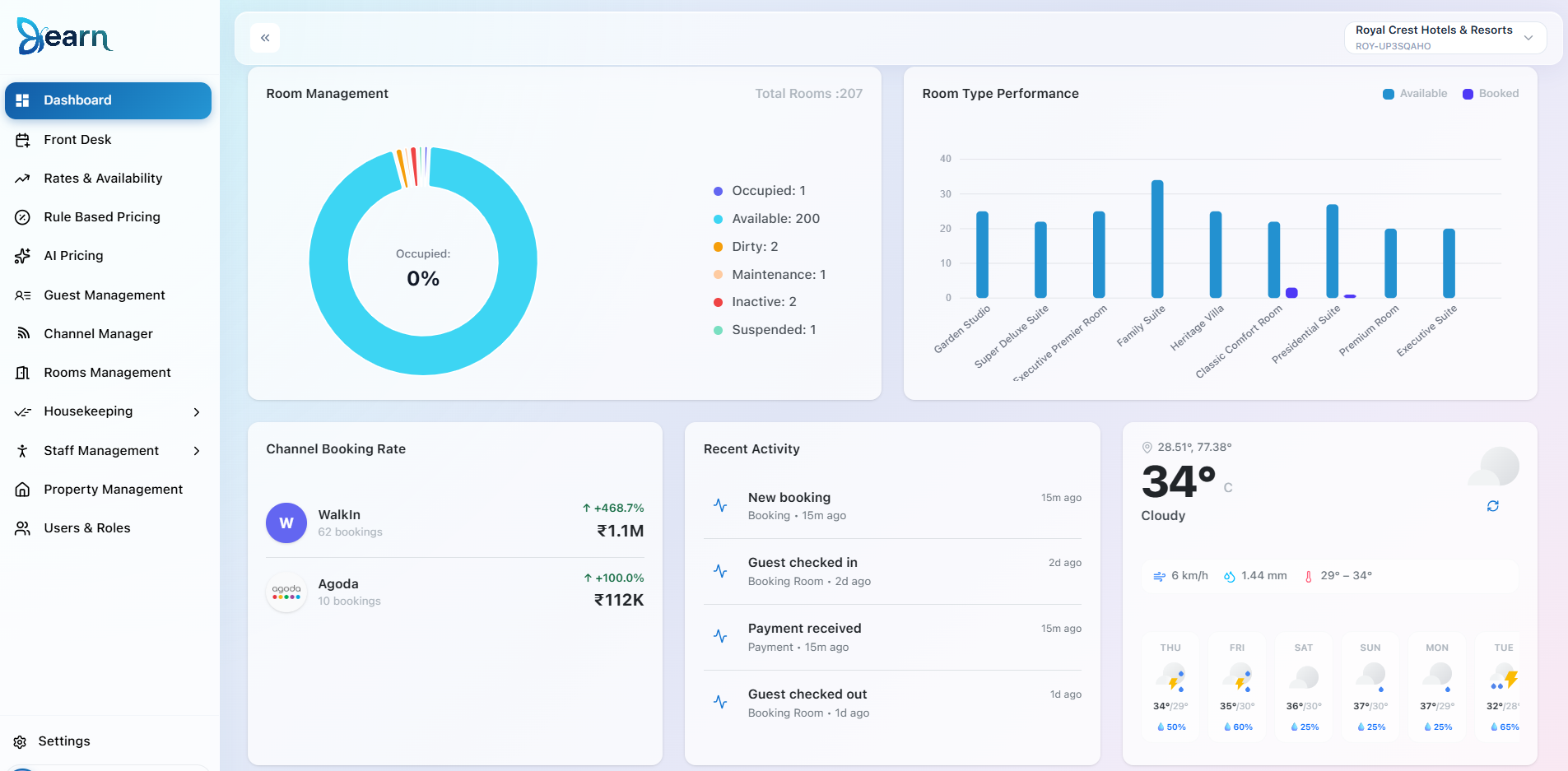
| 🛏️ Room Management Overview | Displays room distribution by status such as Available, Occupied, Dirty, Maintenance, Inactive, and Suspended, providing a clear picture of room inventory. |
| 🌐 Channel Booking Performance | Analyze bookings generated from different sales channels such as Walk-ins, OTAs, and other booking sources to evaluate channel performance. |
| 📝 Recent Activity | Track the latest operational activities including new reservations, guest check-ins, check-outs, and payment updates. |
| 🌤️ Weather Widget | Displays the current weather and forecast for your property's location, helping staff plan daily operations more effectively. |
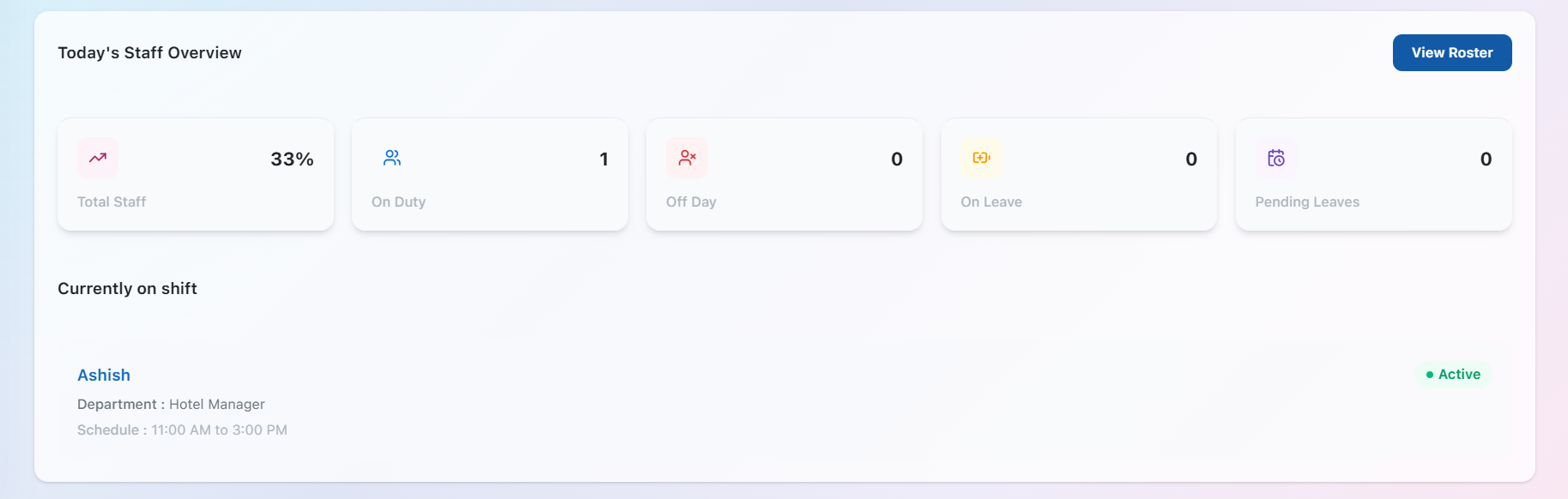
| 👥 Staff Overview | Monitor workforce availability by viewing staff currently on duty, off duty, on leave, pending leave requests, and employees currently on shift. |
⭐Dashboard at a Glance
After exploring the Dashboard, continue to the Room Management module to configure your room inventory. Create Room Types, add individual Rooms, and define Rate Plans to complete your property setup and begin accepting bookings.