Rule Based Pricing
Introduction
The Rule-Based Pricing module enables you to automate room pricing by creating rules based on predefined business conditions. Instead of manually updating room rates every day, you can configure pricing rules that automatically increase or decrease rates based on demand, occupancy, events, weekends, or custom conditions.
You set the rule once and you can apply pricing from Rates & Availability.
Creating a New Pricing Rule
To create a new pricing rule, click Add New Rule.
BluEarn PMS offers two different methods for creating pricing rules, allowing you to get started quickly or build your own pricing strategy.
1. Quick Templates
Quick Templates provide ready-to-use pricing strategies for common hotel scenarios.
Simply select a template, customize it if required, and create the rule.
Available templates include:
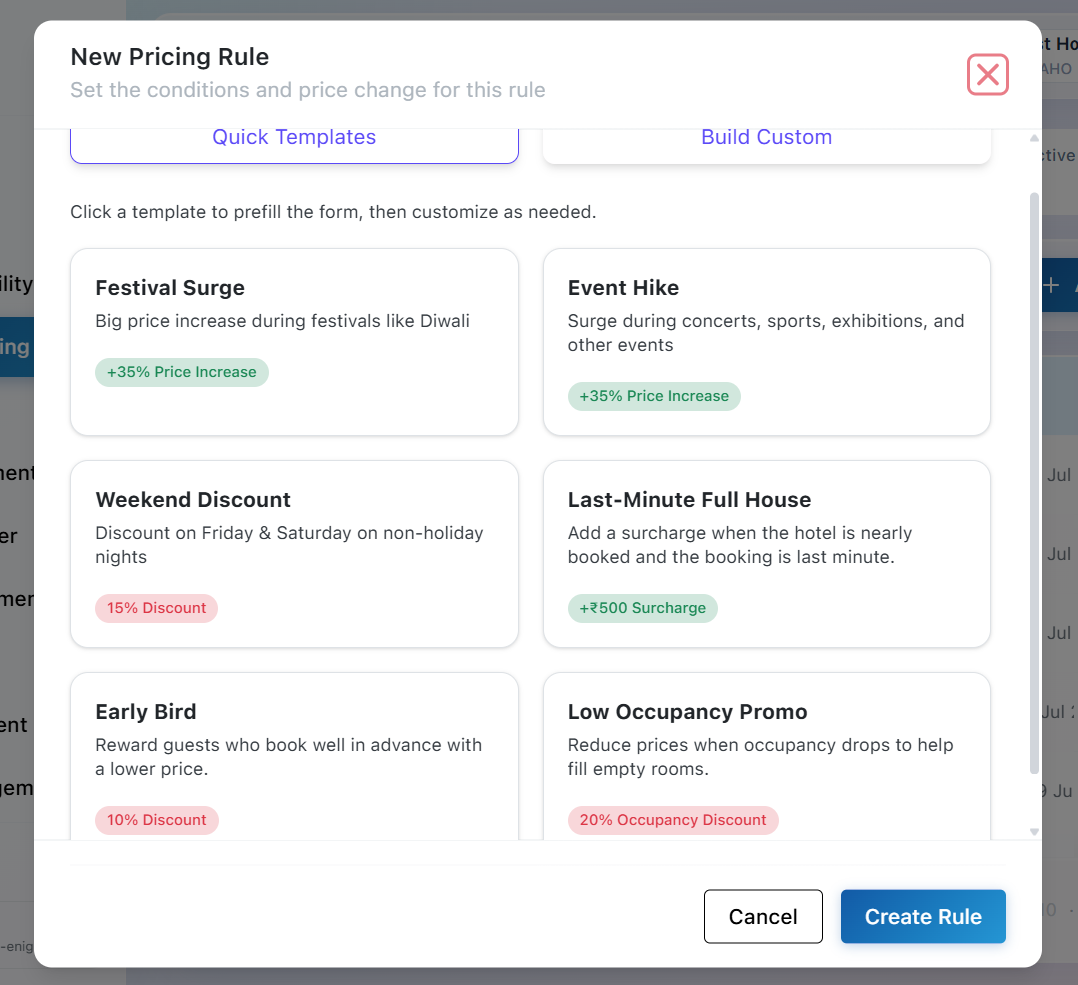
Tip: Quick Templates automatically pre-fill the rule configuration. You can modify the conditions and pricing adjustments before saving the rule.
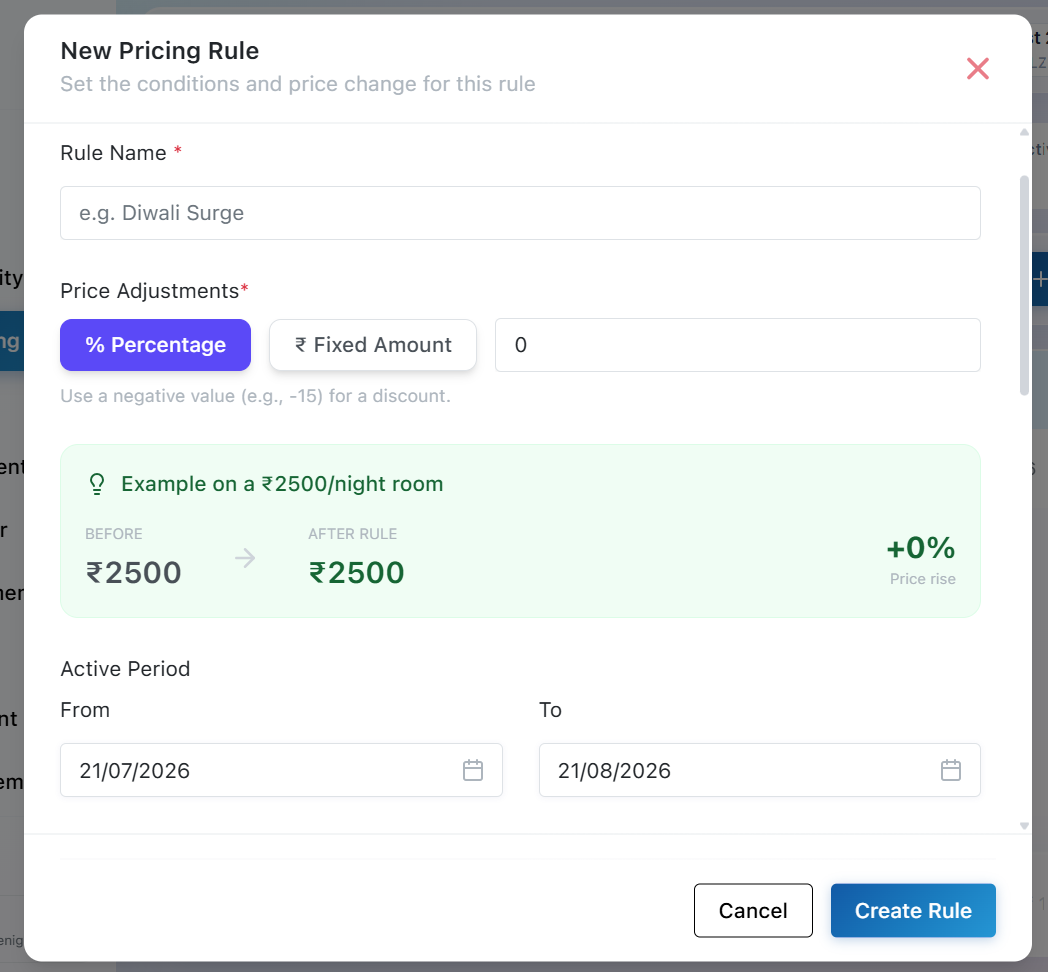
2. Build Custom
If your pricing strategy doesn't match a predefined template, choose Build Custom to create a completely personalized pricing rule.
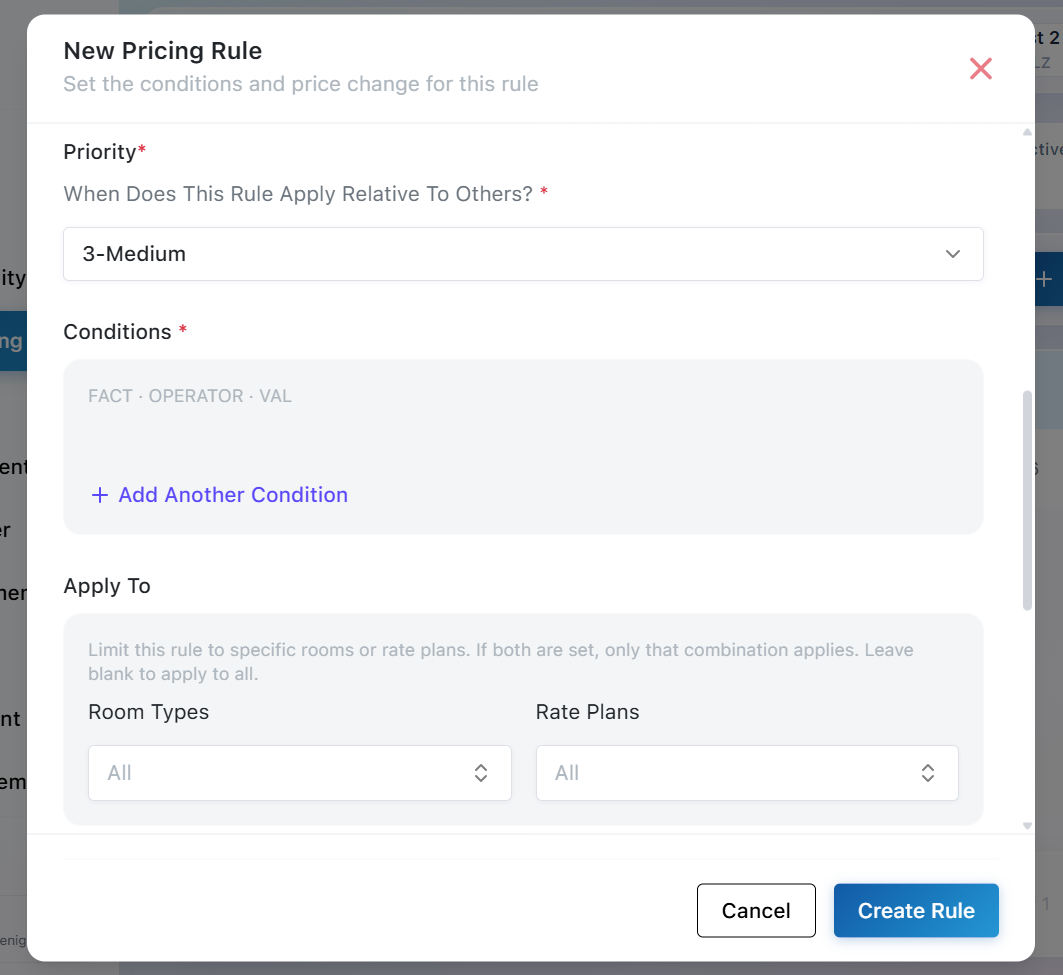
Using the custom builder, you can:
-
Write your pricing rule name.
-
Define your own pricing conditions.
-
Configure percentage or flat price adjustments.
-
Set rule priority.
-
Select the active date range.
-
Applied on any room type and rate plan or on all room type and rate plan.
-
Create Rule.
Pricing Adjustment
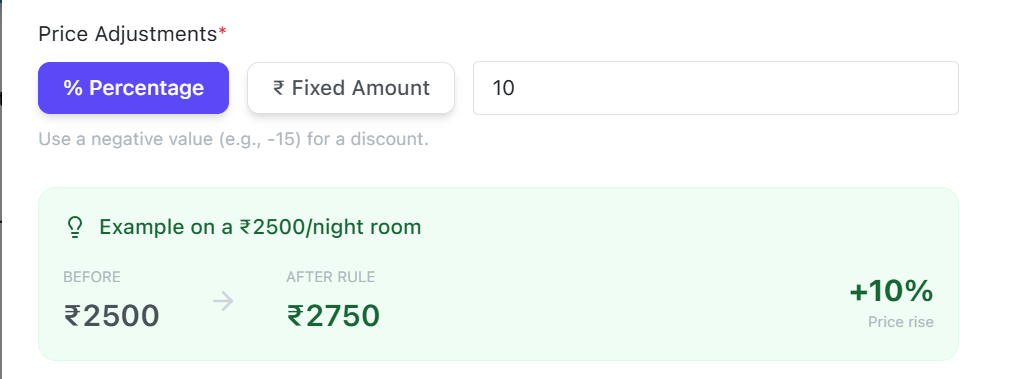
BluEarn PMS supports two adjustment types:
Percentage (%)
Flat Amount (₹)
The value you enter determines whether the room price increases or decreases.
Percentage Adjustment Value Result
-
+10% Increases the room price by 10%.
-
-10% Decreases the room price by 10%.
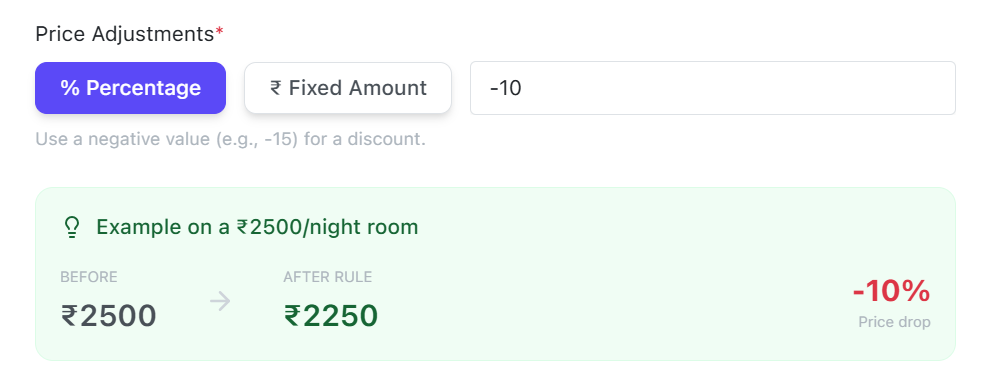 Flat Amount Adjustment Value Result
-
+₹500 Adds ₹500 to the room price.
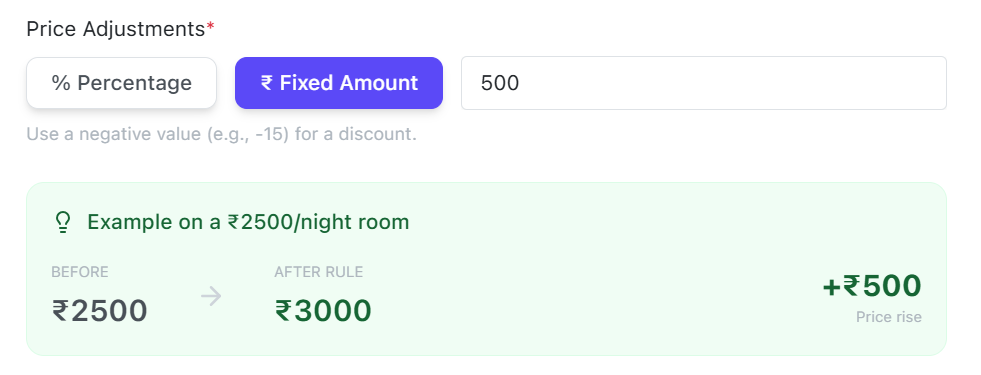
-
-₹500 Reduces the room price by ₹500.
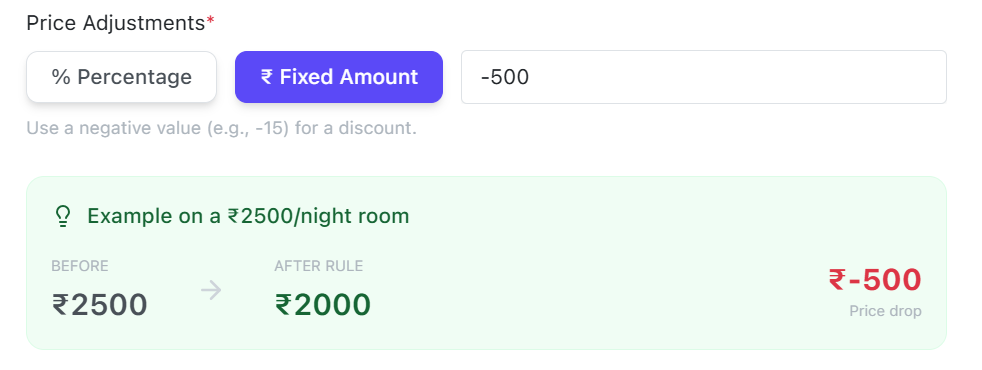
Note: A positive (+) adjustment increases the room price, while a negative (-) adjustment decreases it. BluEarn PMS automatically calculates the final room rate based on the selected adjustment type and the rule conditions.