Overview
The Room Management module helps you organize your property's inventory and standardize room configurations.
Before you start accepting bookings, it is recommended to complete the Room Management setup to ensure your property is ready for daily operations.
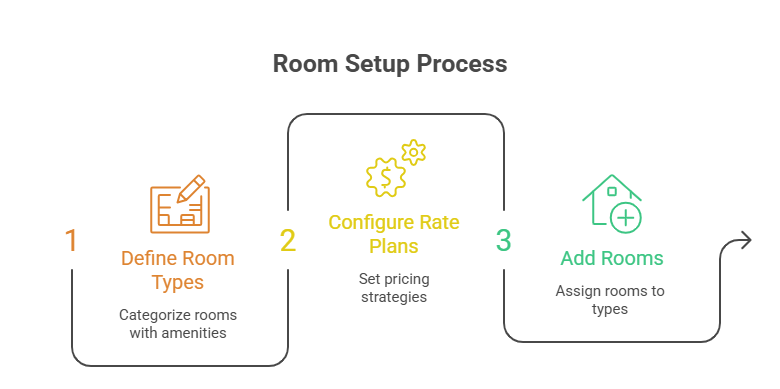
Room Management Workflow
1.Create Room Types – Define room categories, occupancy, amenities, policies, and pricing.
2.Configure Rate Plans – Set up pricing strategies based on your business requirements.
3.Add Rooms – Create individual rooms, bulk upload through manual and .csv file and assign them to the appropriate room type.
4.Review Room Inventory – Verify that all rooms, pricing, and configurations are accurate.
5.Start Accepting Reservations – Once the setup is complete, your property is ready to receive bookings.